Music Gear Mondays — Presented by Crate Connect
I got tired of switching between DJ setups.
Every time I wanted to move from a laptop to a USB drive—or stop playing digital music and put on a record—I had to reorganize the booth. That friction added up. I wanted one setup that could cover the major ways I DJ without turning the studio into a constant cable-management project.
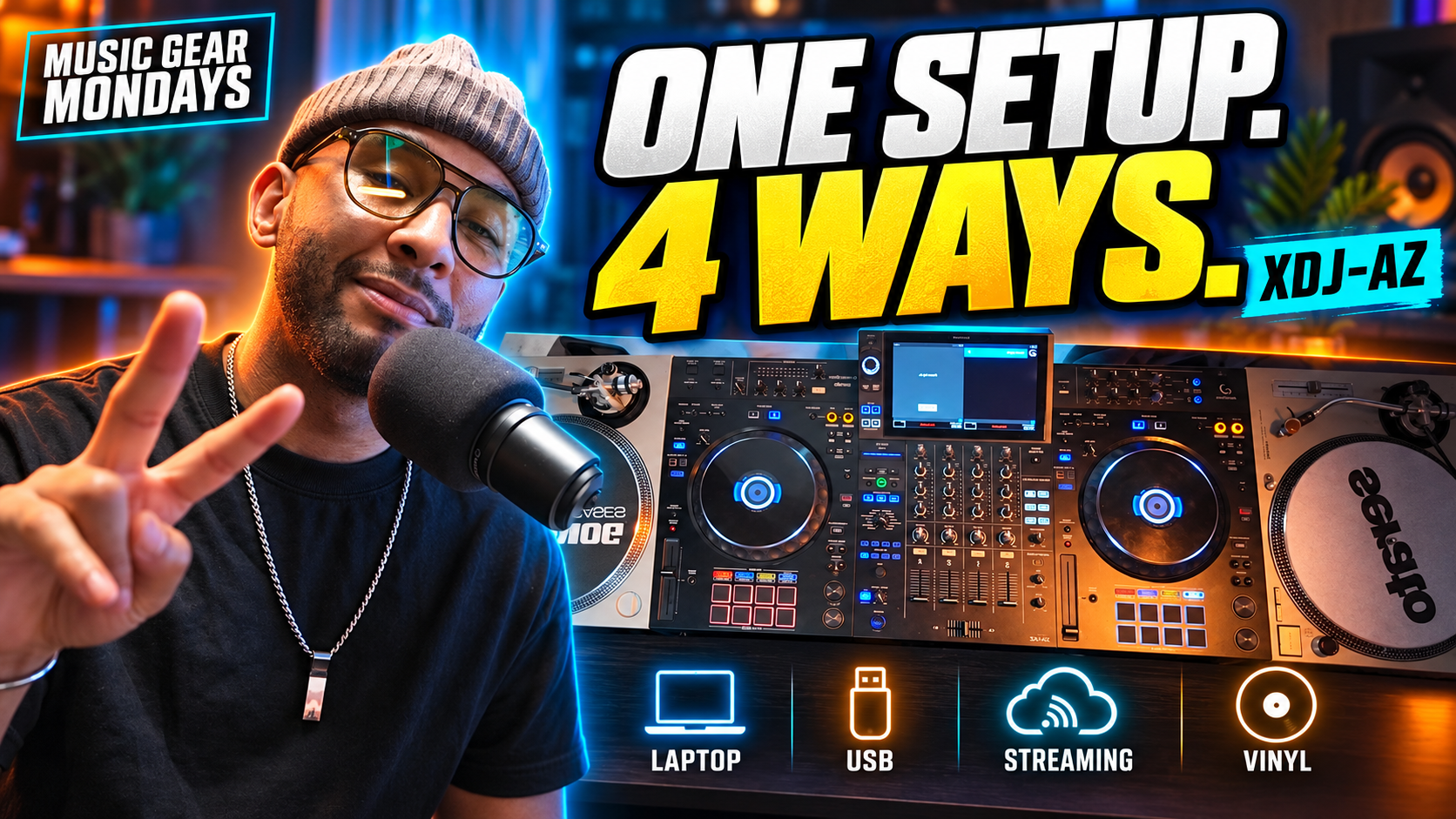
That is why I rebuilt my setup around the AlphaTheta XDJ-AZ and two Technics 1200 turntables.
This combination gives me four useful ways to play:
Laptop
USB drives
Supported streaming services
Vinyl records
Having all four workflows available in one place is what makes an all-in-one system such a strong choice. I can practice, prepare a set, test new music, play records, or get ready for a gig without rebuilding the entire setup.
Why I Chose the AlphaTheta XDJ-AZ
The XDJ-AZ is the center of the setup. On its own, it gives me a standalone USB workflow. I can also connect my laptop when I want to use DJ software, and its network features support compatible cloud and streaming workflows.
The two line/phono inputs are the feature that brings the full setup together. By connecting my Technics 1200s, I can route vinyl through the XDJ-AZ mixer instead of adding a separate mixer or swapping cables every time I want to play records.
That makes the booth cleaner and the workflow faster. I can move between digital and analog sources while keeping the same mixer, monitoring, and output path.
Four Ways to DJ From One Setup
1. USB Drives
For a focused, laptop-free session, I can export my prepared library to a USB drive and play directly on the XDJ-AZ. It is a straightforward workflow that also helps me stay comfortable with the style of setup I am likely to find in clubs and professional booths.
2. Laptop
When I want the flexibility of DJ software, I can connect a computer and use a supported platform. A laptop workflow can be helpful for library management, visual feedback, performance tools, and situations where my collection or preparation lives inside the software.
Your preferred platform should be part of the buying decision. rekordbox, Serato DJ Pro, and Algoriddim djay each offer a different experience, so choose the hardware that best supports the way you already work—or the way you want to learn.
3. Streaming
Streaming can be useful for discovering music, taking requests, or accessing tracks that are not already on a USB drive. The XDJ-AZ supports compatible streaming workflows, giving the setup another way to adapt when the music or situation changes.
Streaming availability can depend on your firmware, service, subscription tier, internet connection, and region, so always confirm compatibility before a performance. I also recommend keeping locally stored music available as a dependable backup.
4. Vinyl and External Turntables
This is the part that made the setup click for me. The XDJ-AZ’s phono-capable RCA inputs let me connect two turntables and play vinyl through the same central system.
If vinyl matters to you, check for phono inputs, not just RCA connectors. Some controllers accept line-level audio but do not include the phono preamps needed for standard turntable output. That single specification can determine whether a setup will work the way you expect.
Why an All-in-One System Makes Sense
A separate multi-player and mixer setup is still the right choice for some DJs and venues. It offers maximum modularity, and individual pieces can be changed or upgraded over time. But it also takes more space, creates more connections, and can cost considerably more once every component is included.
An all-in-one system combines the decks, mixer, display, and core performance controls in one unit. For a home studio, mobile DJ rig, event space, or practice room, that can mean:
Less equipment to connect and manage
A cleaner, more consistent booth
Easier setup and teardown
Better portability than a full multi-player system
Standalone USB playback without requiring a laptop
The option to expand with turntables or other external sources
The XDJ-AZ is not the least expensive route, but it can replace several separate pieces of a larger system while leaving room for external decks. There are also more affordable all-in-one systems and controllers worth considering. The important thing is to identify the sources you need before you buy.
What to Check Before Buying
If you want to build a flexible setup like this one, ask these questions:
Does the unit offer standalone USB playback?
Does it support my preferred laptop software?
Which streaming or cloud services are compatible?
Does it have true phono inputs for turntables?
How many channels and external sources can it handle?
Is the complete setup practical for my room, vehicle, and gigs?
A less expensive controller may cover laptop and turntable use, but without standalone playback it will still depend on a computer. Another all-in-one may cover USB and laptop workflows but lack the inputs you need for vinyl. Build around your actual use cases instead of buying from a feature list alone.
Final Thoughts
For my workflow, the AlphaTheta XDJ-AZ and two Technics 1200s create a practical bridge between modern and traditional DJing. I can play from a laptop, USB drive, supported streaming service, or vinyl record without changing the heart of the setup.
That versatility is the real advantage. One day I can prepare a club-style USB set. The next day I can open the laptop, explore new music, or spend the evening digging through records. The booth stays ready for all of it.
Watch the full episode and let me know: What would you connect to your ideal DJ setup—laptop, USB, streaming, turntables, or all four?
Watch the Episode
Embed the YouTube video here
Subscribe to Music Gear Mondays for weekly DJ gear reviews, music-production tools, workflow tips, and AI in music updates:
https://www.youtube.com/@musicgearmondays
Presented by Crate Connect
Keep your library fresh with Crate Connect:
https://crateconnect.com
Use code MUSICGEARMONDAYS to save $5 on your subscription.
Gear I Use & Recommend
Shop my DJ and music-production picks on Amazon:
https://www.amazon.com/shop/crlcrrll
Stay Connected
Music Gear Mondays:
https://www.musicgearmondays.com
Join my email list:
https://www.crlcrrll.com/support
Free plugins:
https://www.musicgearmondays.com/plugins
Twitch—Mondays at 6 PM MST:
https://www.twitch.tv/crlcrrll
Affiliate disclosure: Some links in this post are affiliate links. If you purchase through them, I may earn a commission at no additional cost to you. Crate Connect is a Music Gear Mondays sponsor.
CRL CRRLL