Rekordbox Mobile Works with the AlphaTheta XDJ-AZ on iPhone and iPad
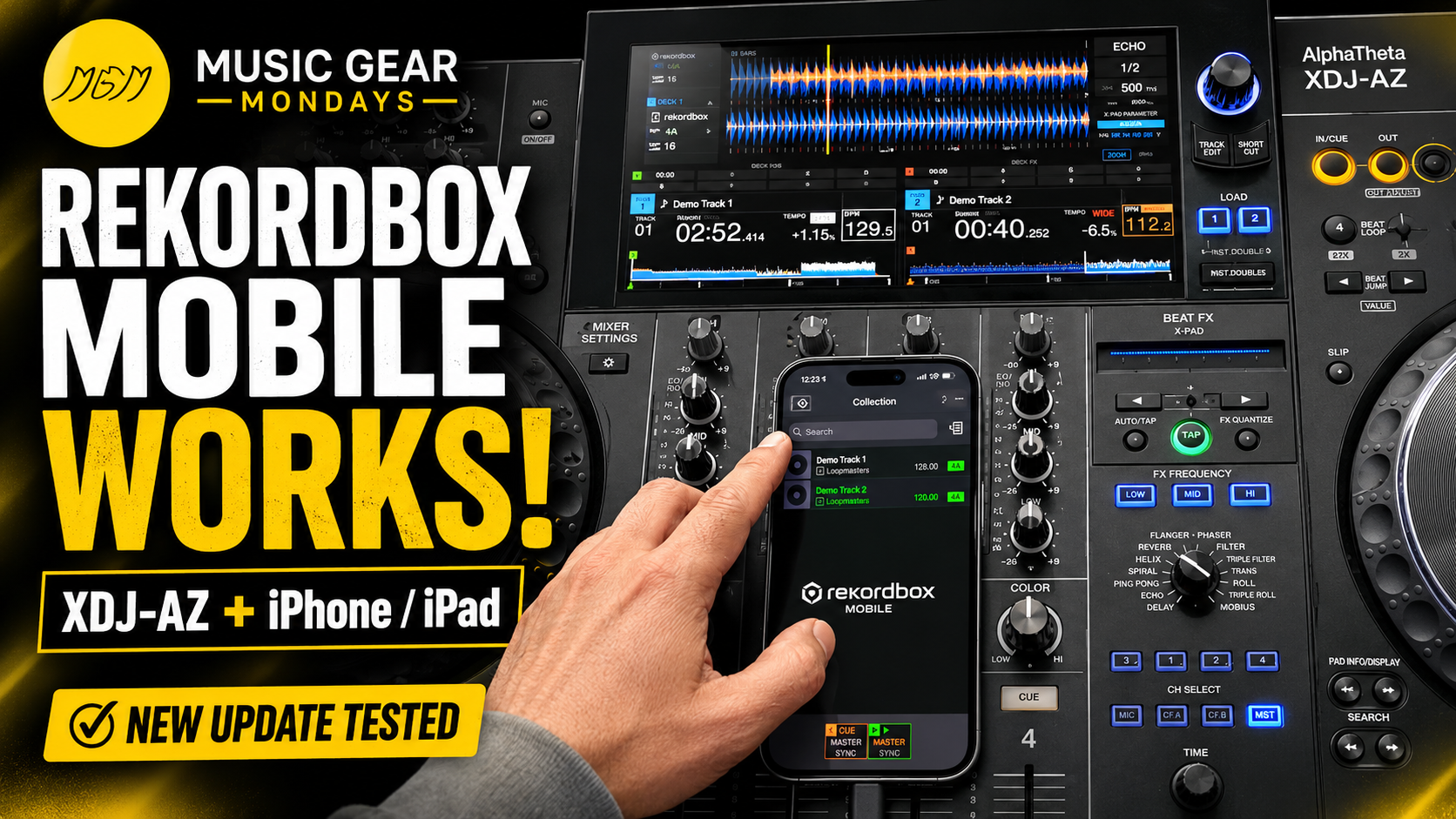
The latest update is here, and Rekordbox Mobile is working with the AlphaTheta XDJ-AZ on both iPhone and iPad.
In this episode of Music Gear Mondays, I test the updated mobile workflow and connect Rekordbox Mobile directly to the XDJ-AZ. If you previously had trouble accessing your library or getting your mobile device to communicate properly with the system, it may be time to update everything and try again.
The goal of this episode is simple: confirm whether the mobile setup actually works after the latest firmware update—and show what DJs should check before relying on it.
What Changed with the XDJ-AZ Update?
AlphaTheta released XDJ-AZ firmware version 1.24 to improve the system and address connection and library-performance issues.
Before testing Rekordbox Mobile, make sure your XDJ-AZ is running the latest available firmware. You should also update the Rekordbox Mobile app through the App Store on your iPhone or iPad.
Official XDJ-AZ firmware update information:
https://alphatheta.com/en/information/update-xdj-az-firmware-ver-1-24/
Learn more about Rekordbox Mobile:
https://rekordbox.com/en/feature/mobile/
Does Rekordbox Mobile Work with the XDJ-AZ?
Yes. After updating the XDJ-AZ and using the current version of the mobile app, I was able to access and use my Rekordbox library from an iPhone and iPad.
This creates another option for DJs who do not always want to prepare or carry a traditional laptop and USB-drive setup.
With Rekordbox Mobile, you can prepare music on your phone or tablet and access that library through compatible DJ hardware. It can be especially useful for quick preparation, testing tracks, managing playlists and maintaining access to your library while away from your main computer.
What You Should Update Before Connecting
Before connecting your phone or tablet, check all three parts of the setup:
Update the AlphaTheta XDJ-AZ to the latest firmware.
Install the latest version of Rekordbox Mobile.
Confirm that your iPhone or iPad is using a supported version of iOS or iPadOS.
It is also a good idea to test your complete setup before using it at a live event. Confirm that your playlists appear correctly, tracks load properly and your connection remains stable.
A software update may fix the original issue, but DJs should still treat every new mobile workflow like any other performance system: test it before the gig.
Is Rekordbox Mobile Ready to Replace USB Drives?
Rekordbox Mobile gives DJs more flexibility, but it does not mean you should immediately stop carrying backup USB drives.
For live events, I still recommend having more than one way to access your music. A prepared USB drive, backup drive or secondary device can protect you if a cable, phone, app or network-related feature does not behave as expected.
The mobile app is another useful tool in the Rekordbox ecosystem—not necessarily your only tool.
Watch the Full Episode
In the full episode, I test Rekordbox Mobile with the AlphaTheta XDJ-AZ and show the updated connection working from a mobile device.
YouTube episode title:
Rekordbox Mobile Works on the AlphaTheta XDJ-AZ! iPhone & iPad Update Tested
Embed the YouTube video here once the episode is published.
More Rekordbox Tutorials
Continue learning with these supporting Music Gear Mondays episodes:
Connect Rekordbox Mobile to the Pioneer XDJ-RX3
https://youtu.be/DNTULp6pMwg?si=hLEId8tk3G80BDP2
Export Your Serato Library to USB for CDJs
https://youtu.be/Wzi0USi1ZvI?si=wK-D6ASwUPuXz9rC
Shop My DJ and Production Gear
Browse the DJ equipment, production tools and accessories I use and recommend through my Amazon storefront:
https://amazon.com/shop/crlcrrll
Purchasing through my affiliate links helps support Music Gear Mondays at no additional cost to you.
This Episode Is Presented by Crate Connect
Crate Connect is a digital record pool built for DJs who want access to fresh music, new releases and tracks they can use to keep their sets current.
Visit:
Use promo code MUSICGEARMONDAYS to save $5 on every subscription payment.
Final Thoughts
The XDJ-AZ firmware update makes the Rekordbox Mobile workflow useful again for DJs working from an iPhone or iPad.
Update your hardware, update the app and test the connection before your next event. The mobile setup can be a convenient addition to your preparation workflow, especially when you need access to your library without opening a laptop.
Are you using Rekordbox Mobile with the XDJ-AZ? Share your experience in the comments and let me know whether you are connecting from an iPhone, iPad or another supported mobile device.